> ## Documentation Index
> Fetch the complete documentation index at: https://docs.crossmint.com/llms.txt
> Use this file to discover all available pages before exploring further.
# Server-side Keys
> How to create and use server-side API keys
**Server-side API keys must be stored securely!**
Enable only the scopes you need, and no more, and do NOT expose your keys on the frontend of your app, or your github code repository.
## Create a Server-side Key
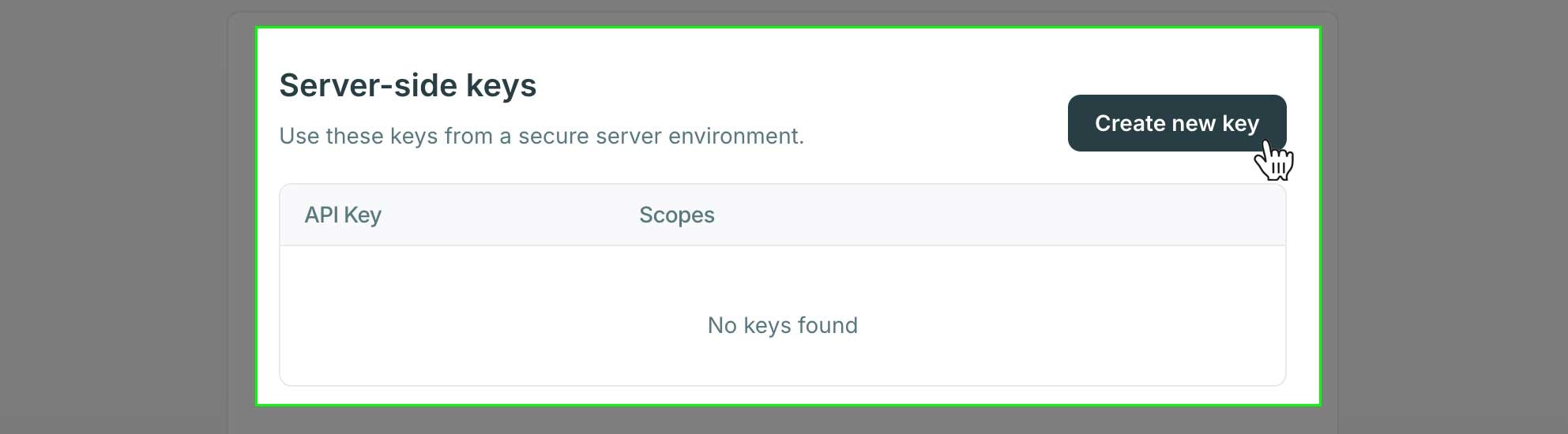
Navigate to the API Keys section of the developer console and click the "Create new key" button in the server-side keys section.
* [Staging API Keys](https://staging.crossmint.com/console/projects/apiKeys)
* [Production API Keys](https://www.crossmint.com/console/projects/apiKeys)
 ### Select Scopes
**Production server-side keys follow a "view once" policy**
When you create a server-side API key in the production environment, the key secret will only be shown once during creation. After you close the dialog or navigate away, **you will not be able to view the key secret again.**
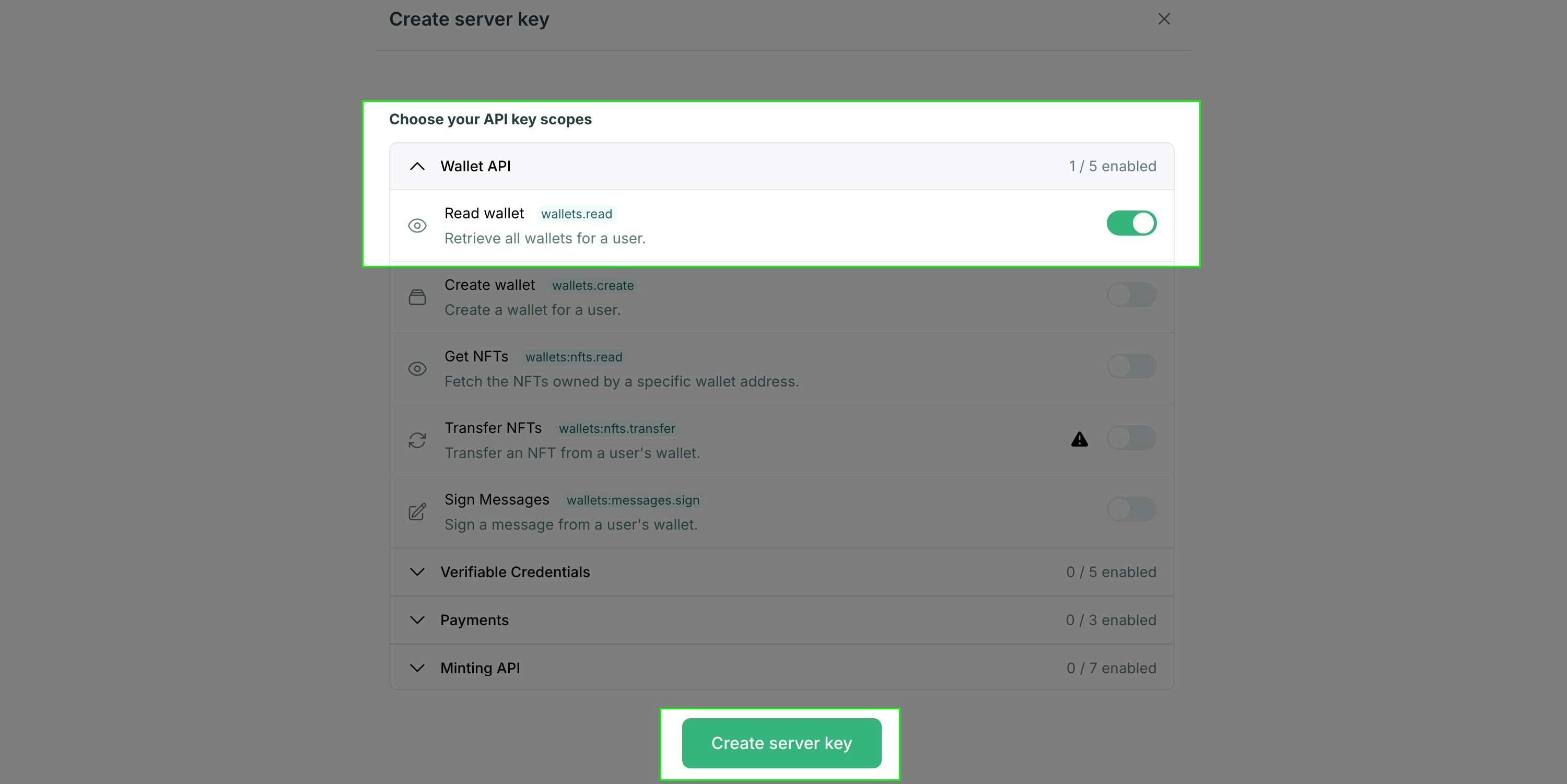
Within the modal that opens, toggle the required scopes on and click the "Create server key" button at the bottom. You may need to expand an accordion for the product area you're working on to expose additional scope options.
### Select Scopes
**Production server-side keys follow a "view once" policy**
When you create a server-side API key in the production environment, the key secret will only be shown once during creation. After you close the dialog or navigate away, **you will not be able to view the key secret again.**
Within the modal that opens, toggle the required scopes on and click the "Create server key" button at the bottom. You may need to expand an accordion for the product area you're working on to expose additional scope options.
 You can determine the scopes you need by visiting the API reference page for the API(s) you need to interact with.
Complete list of available API scopes
Detailed docs for all API endpoints
## Using a Server-side Key
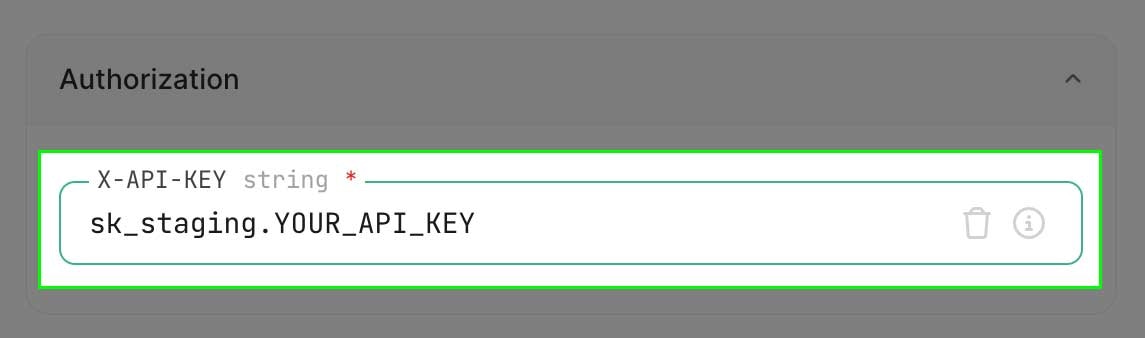
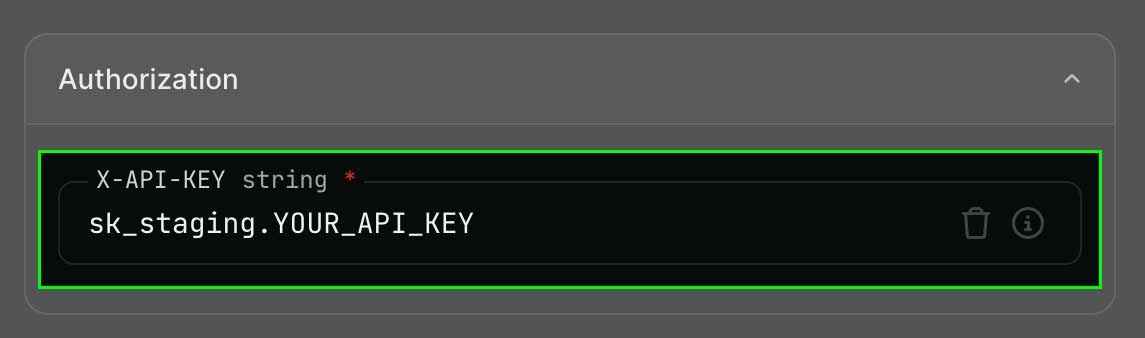
If you're using the [API Playground](/api-reference) you can add your API key in the Authorization section and this will set it as a header when making the request.
You can determine the scopes you need by visiting the API reference page for the API(s) you need to interact with.
Complete list of available API scopes
Detailed docs for all API endpoints
## Using a Server-side Key
If you're using the [API Playground](/api-reference) you can add your API key in the Authorization section and this will set it as a header when making the request.
 When calling the APIs from server-side code, you set the `X-API-KEY` header however the target language or library expects it. See some examples below:
```bash cURL theme={null}
curl --request POST \
--url https://staging.crossmint.com/api/v1-alpha1/wallets \
--header 'Content-Type: application/json' \
--header 'X-API-KEY: YOUR_API_KEY' \
--data '{
"email": "test@test.com",
"chain": "polygon-amoy"
}'
```
```javascript Node.js theme={null}
const options = {
method: 'POST',
headers: {
'X-API-KEY': 'YOUR_API_KEY',
'Content-Type': 'application/json'
},
body: '{
"email":"test@test.com",
"chain":"polygon-amoy"
}'
};
fetch('https://staging.crossmint.com/api/v1-alpha1/wallets', options)
.then(response => response.json())
.then(response => console.log(response))
.catch(err => console.error(err));
```
All of the API routes in the [API Reference](/api-reference/introduction) include code examples for many popular programming languages.
When calling the APIs from server-side code, you set the `X-API-KEY` header however the target language or library expects it. See some examples below:
```bash cURL theme={null}
curl --request POST \
--url https://staging.crossmint.com/api/v1-alpha1/wallets \
--header 'Content-Type: application/json' \
--header 'X-API-KEY: YOUR_API_KEY' \
--data '{
"email": "test@test.com",
"chain": "polygon-amoy"
}'
```
```javascript Node.js theme={null}
const options = {
method: 'POST',
headers: {
'X-API-KEY': 'YOUR_API_KEY',
'Content-Type': 'application/json'
},
body: '{
"email":"test@test.com",
"chain":"polygon-amoy"
}'
};
fetch('https://staging.crossmint.com/api/v1-alpha1/wallets', options)
.then(response => response.json())
.then(response => console.log(response))
.catch(err => console.error(err));
```
All of the API routes in the [API Reference](/api-reference/introduction) include code examples for many popular programming languages.