> ## Documentation Index
> Fetch the complete documentation index at: https://docs.crossmint.com/llms.txt
> Use this file to discover all available pages before exploring further.
# Mint In Bulk
> Scale your NFT operations with bulk minting capabilities
Crossmint's infrastructure is designed to handle high-volume minting operations efficiently, allowing you to scale your NFT projects to serve thousands or even millions of users.
## Enterprise Solutions
For enterprise customers with very high volume requirements, Crossmint offers additional capabilities:
Enterprise bulk minting features are available for high-volume projects. Please [contact
us](https://www.crossmint.com/contact/sales) to discuss your specific requirements.
## Bulk Minting Capabilities
Crossmint's platform offers several advantages for bulk minting operations:
* **High Throughput**: Mint thousands of NFTs per hour with optimized transaction batching
* **Cost Efficiency**: Reduce gas costs through intelligent transaction scheduling
* **Queue Management**: Automatic handling of transaction queues and retries
* **Observability**: Track the status of all minting operations in real-time
* **Gas Optimization**: Automatic gas price adjustments based on network conditions
## Bulk Minting via Crossmint Console
The Crossmint Console provides an easy-to-use interface for uploading and minting NFTs in bulk. Here's how to use it:
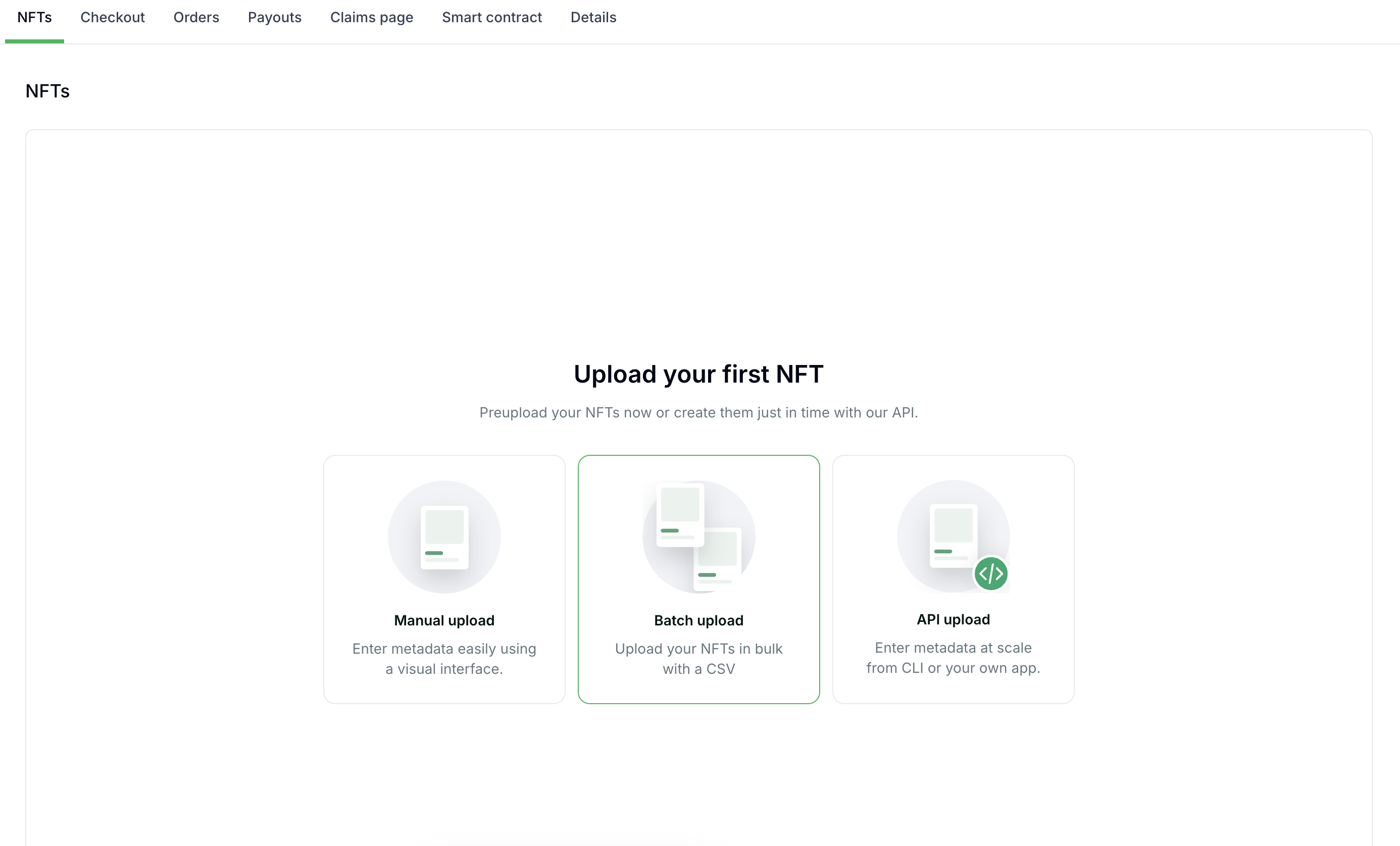
### Step 1: Access the Batch Upload Feature
In the Crossmint Console, navigate to your collection and select the "Batch upload" option.
 ### Step 2: Prepare Your Metadata
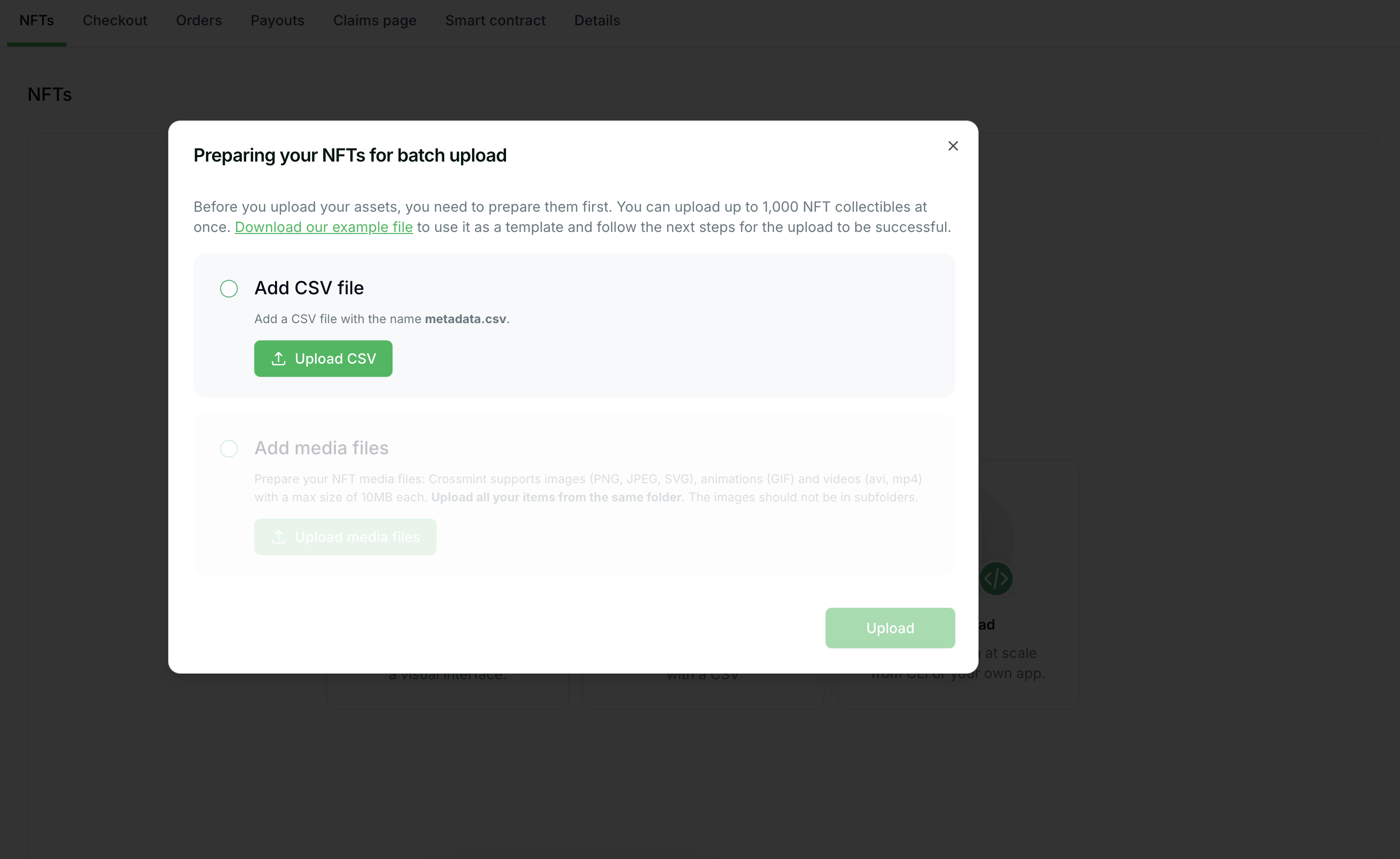
Before uploading your assets, you need to prepare them properly:
1. You can upload up to 1,000 NFT collectibles at once
2. Download the example CSV file provided by Crossmint to use as a template
3. Prepare your metadata according to the template format
### Step 2: Prepare Your Metadata
Before uploading your assets, you need to prepare them properly:
1. You can upload up to 1,000 NFT collectibles at once
2. Download the example CSV file provided by Crossmint to use as a template
3. Prepare your metadata according to the template format
 ### Step 3: Upload Your Metadata CSV
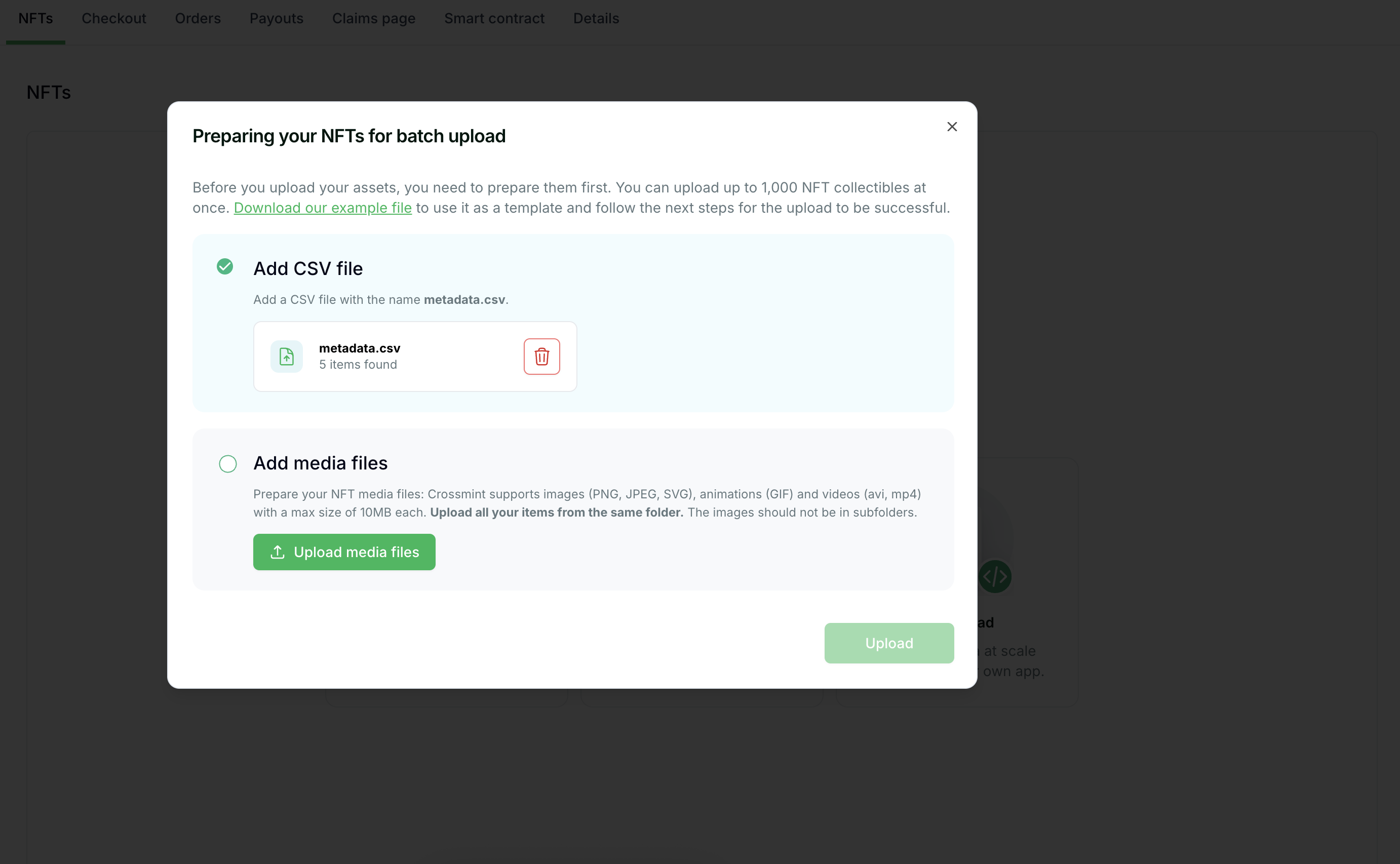
1. Add a CSV file named `metadata.csv` with your NFT metadata
2. Click the "Upload CSV" button to upload your prepared file
### Step 3: Upload Your Metadata CSV
1. Add a CSV file named `metadata.csv` with your NFT metadata
2. Click the "Upload CSV" button to upload your prepared file
 ### Step 4: Upload Media Files
1. Prepare your NFT media files (images, animations, videos)
2. Crossmint supports various formats (PNG, JPEG, GIF etc.)
3. Each file must be under 10MB in size
4. All media files should be in the same folder, not in subfolders
5. Click "Upload media files" to upload your prepared media
### Step 4: Upload Media Files
1. Prepare your NFT media files (images, animations, videos)
2. Crossmint supports various formats (PNG, JPEG, GIF etc.)
3. Each file must be under 10MB in size
4. All media files should be in the same folder, not in subfolders
5. Click "Upload media files" to upload your prepared media
 ### Step 5: Complete the Upload
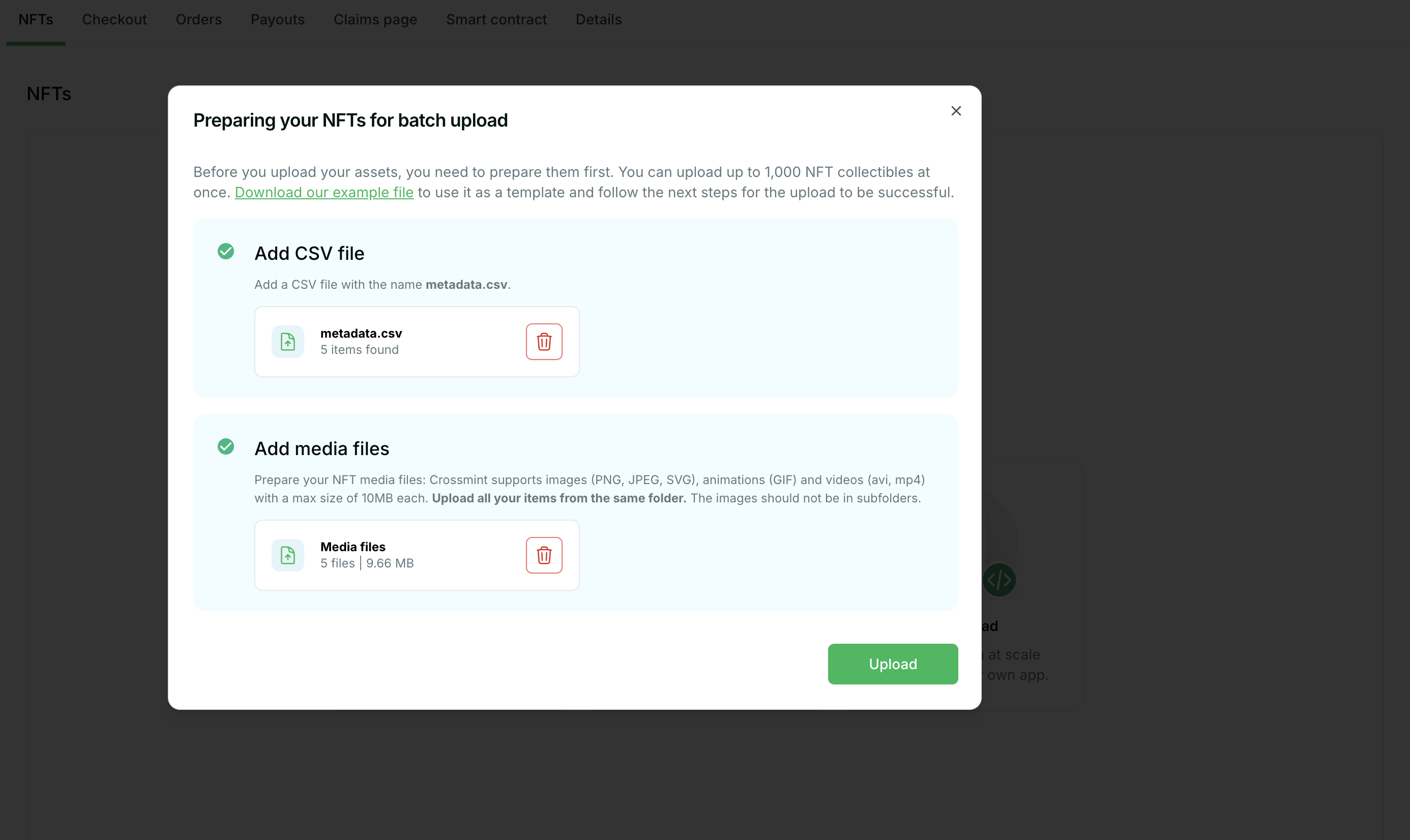
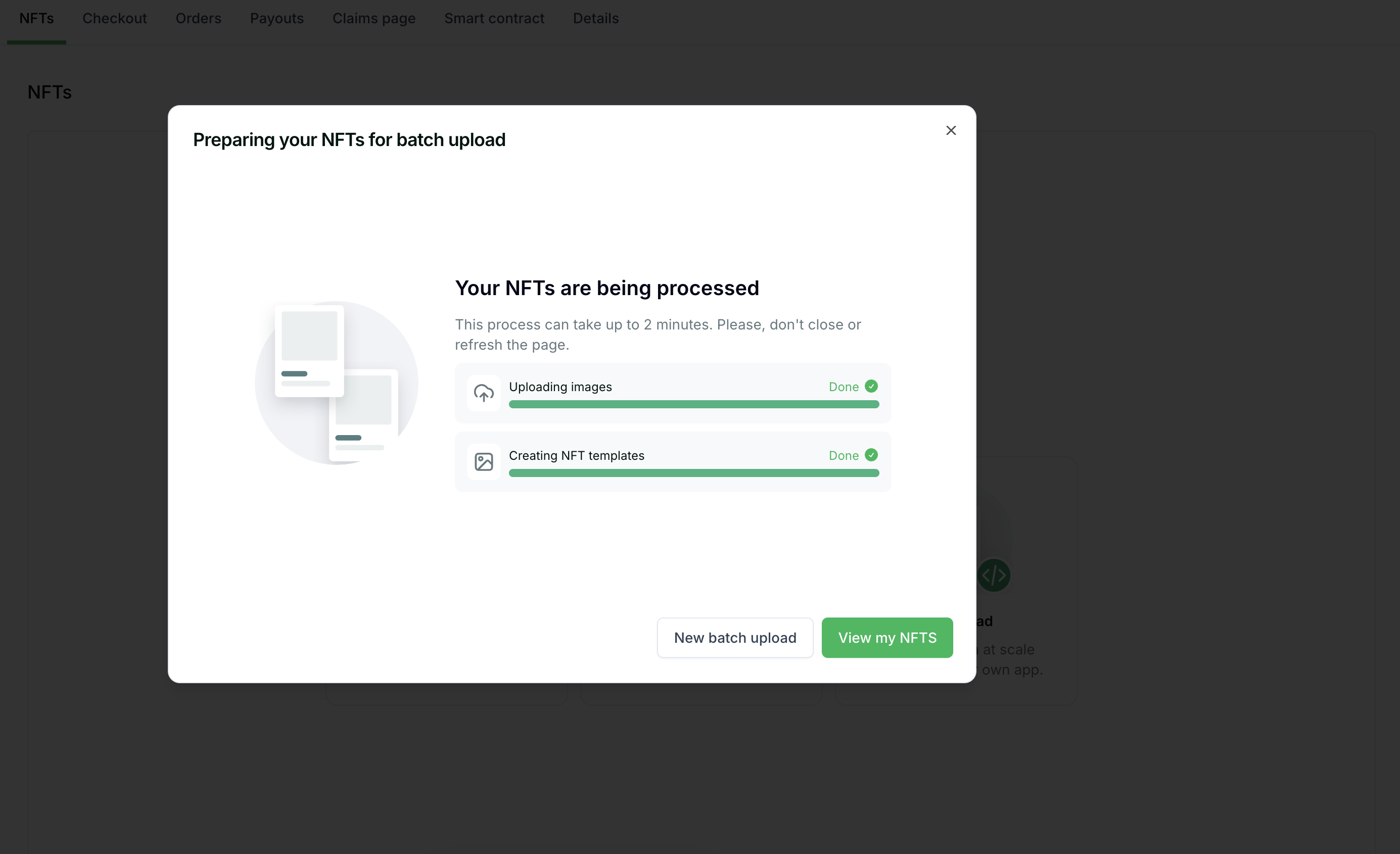
After uploading both your metadata CSV and media files, click the "Upload" button to start the batch minting process.
### Step 5: Complete the Upload
After uploading both your metadata CSV and media files, click the "Upload" button to start the batch minting process.
 ## Monitoring Bulk Operations
When minting in bulk, it's essential to track the status of your operations:
1. **Webhooks**: Set up [webhooks](/minting/nfts/integrate/webhooks-and-status-apis) to receive real-time notifications about mint completions and failures
2. **Status API**: Use the [action status API](/minting/nfts/integrate/webhooks-and-status-apis) to check the status of individual minting operations
3. **Console Dashboard**: Monitor your minting operations through the Crossmint Console
## Monitoring Bulk Operations
When minting in bulk, it's essential to track the status of your operations:
1. **Webhooks**: Set up [webhooks](/minting/nfts/integrate/webhooks-and-status-apis) to receive real-time notifications about mint completions and failures
2. **Status API**: Use the [action status API](/minting/nfts/integrate/webhooks-and-status-apis) to check the status of individual minting operations
3. **Console Dashboard**: Monitor your minting operations through the Crossmint Console