> ## Documentation Index
> Fetch the complete documentation index at: https://docs.crossmint.com/llms.txt
> Use this file to discover all available pages before exploring further.
# React Native
> Allow your mobile users to buy stablecoins with cards
In this guide, you will learn how to:
* Install the React Native SDK
* Create an Onramp order for your authenticated users
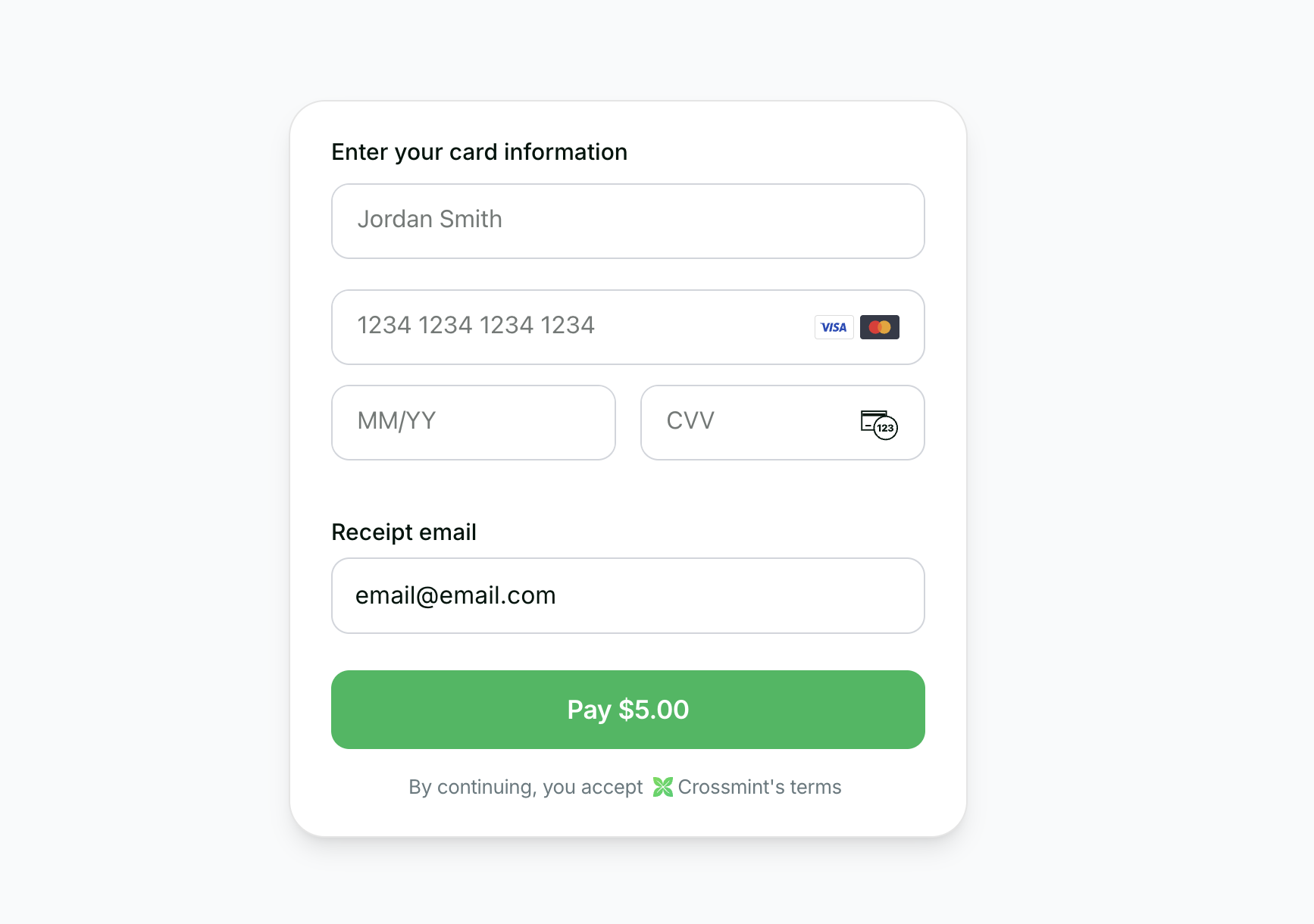
* Use the embedded checkout component to handle KYC, payment, and delivery
 See a full working example.
You can test the Onramp self-serve in staging. To enable it in production, contact sales.
## Requirements
* React Native 0.60+
* Expo (recommended) or bare React Native CLI
* iOS 13.0+ / Android 5.0+
## 1. Prerequisites
Create a [server-side API key](https://docs.crossmint.com/introduction/platform/api-keys/server-side) with the
`orders.create` and `orders.read` scopes enabled.
See a full working example.
You can test the Onramp self-serve in staging. To enable it in production, contact sales.
## Requirements
* React Native 0.60+
* Expo (recommended) or bare React Native CLI
* iOS 13.0+ / Android 5.0+
## 1. Prerequisites
Create a [server-side API key](https://docs.crossmint.com/introduction/platform/api-keys/server-side) with the
`orders.create` and `orders.read` scopes enabled.
Create a [client-side API key](https://docs.crossmint.com/introduction/platform/api-keys/client-side) for the
embedded checkout component.
Add environment variables to your `.env`:
```sh .env theme={null}
EXPO_PUBLIC_CROSSMINT_CLIENT_SIDE_API_KEY="_YOUR_CLIENT_API_KEY_"
```
For Expo projects, use the `EXPO_PUBLIC_` prefix. For bare React Native, configure environment variables according to your setup.
## 2. Create the API Endpoint
If you want to enable onramp orders to external wallets (EOAs or third-party smart wallets) instead of Crossmint wallets, see the [Onramp to External Wallets](/onramp/guides/onramp-to-external-wallets) guide before proceeding.
To initiate an onramp, you must first create a purchase order on your backend. This example uses Express, but you can use any backend framework:
```typescript server/createOrder.ts theme={null}
import express from "express";
const app = express();
app.use(express.json());
const USDC_TOKEN_LOCATORS = {
solanaDevnet: "solana:4zMMC9srt5Ri5X14GAgXhaHii3GnPAEERYPJgZJDncDU",
baseSepolia: "base-sepolia:0x036CbD53842c5426634e7929541eC2318f3dCF7e",
stellarTestnet: "stellar:CBIELTK6YBZJU5UP2WWQEUCYKLPU6AUNZ2BQ4WWFEIE3USCIHMXQDAMA",
};
app.post("/api/create-order", async (req, res) => {
const { walletAddress, receiptEmail, amount, chain } = req.body;
const serverApiKey = process.env.CROSSMINT_SERVER_SIDE_API_KEY;
if (serverApiKey == null) {
return res.status(500).json({ error: "Server API key not configured" });
}
const response = await fetch("https://staging.crossmint.com/api/2022-06-09/orders", {
method: "POST",
headers: {
"Content-Type": "application/json",
"x-api-key": serverApiKey,
},
body: JSON.stringify({
lineItems: [
{
tokenLocator: USDC_TOKEN_LOCATORS[chain],
executionParameters: {
mode: "exact-in",
amount,
},
},
],
payment: {
method: "card",
receiptEmail,
},
recipient: {
walletAddress,
},
}),
});
if (!response.ok) {
const error = await response.json();
return res.status(response.status).json(error);
}
const data = await response.json();
res.json(data);
});
app.listen(3000);
```
## 3. Build an Onramp checkout UI in your app
Now let's go to your app. Create a React Native screen that handles order creation and displays a checkout:
```tsx screens/OnrampScreen.tsx theme={null}
import { useState } from "react";
import { View, Text, TextInput, TouchableOpacity, StyleSheet, ActivityIndicator } from "react-native";
import { CrossmintProvider, CrossmintEmbeddedCheckout } from "@crossmint/client-sdk-react-native-ui";
const CLIENT_API_KEY = process.env.EXPO_PUBLIC_CROSSMINT_CLIENT_SIDE_API_KEY || "";
const API_URL = "http://localhost:3000"; // Replace with your backend URL
// Destination wallets for testing transfers on each network
const TEST_WALLETS = {
solanaDevnet: "",
baseSepolia: "",
stellarTestnet: "",
};
type Chain = "solanaDevnet" | "baseSepolia" | "stellarTestnet";
export default function OnrampScreen() {
const [order, setOrder] = useState<{ orderId: string; clientSecret: string } | null>(null);
const [chain, setChain] = useState("solanaDevnet");
const [email, setEmail] = useState("user@example.com");
const [wallet, setWallet] = useState(TEST_WALLETS.solanaDevnet);
const [amount, setAmount] = useState("5");
const [isLoading, setIsLoading] = useState(false);
function handleChainChange(newChain: Chain) {
setChain(newChain);
setWallet(TEST_WALLETS[newChain]);
}
async function handleSubmit() {
setIsLoading(true);
try {
const response = await fetch(`${API_URL}/api/create-order`, {
method: "POST",
headers: { "Content-Type": "application/json" },
body: JSON.stringify({ walletAddress: wallet, receiptEmail: email, amount, chain }),
});
if (!response.ok) {
throw new Error("Failed to create order");
}
const result = await response.json();
setOrder({ orderId: result.order.orderId, clientSecret: result.clientSecret });
} catch (error) {
console.error("Failed to create order:", error);
} finally {
setIsLoading(false);
}
}
if (order != null) {
return (
);
}
return (
Buy USDC
Network
handleChainChange("solanaDevnet")}
>
Solana Devnet
handleChainChange("baseSepolia")}
>
Base Sepolia
handleChainChange("stellarTestnet")}
>
Stellar Testnet
Email
Recipient Wallet
Amount (USD)
{isLoading ? (
) : (
Continue to Checkout
)}
);
}
const styles = StyleSheet.create({
container: {
flex: 1,
padding: 24,
backgroundColor: "#fff",
},
checkoutContainer: {
flex: 1,
backgroundColor: "#fff",
},
title: {
fontSize: 24,
fontWeight: "600",
color: "#111",
marginBottom: 24,
},
fieldGroup: {
marginBottom: 20,
},
label: {
fontSize: 14,
fontWeight: "500",
color: "#111",
marginBottom: 8,
},
toggleRow: {
flexDirection: "row",
gap: 8,
},
toggleButton: {
flex: 1,
padding: 12,
borderRadius: 8,
borderWidth: 1,
borderColor: "#d1d5db",
backgroundColor: "#fff",
alignItems: "center",
},
toggleButtonActiveSolana: {
backgroundColor: "#16a34a",
borderColor: "#16a34a",
},
toggleButtonActiveBase: {
backgroundColor: "#2563eb",
borderColor: "#2563eb",
},
toggleButtonActiveStellar: {
backgroundColor: "#9333ea",
borderColor: "#9333ea",
},
toggleText: {
fontSize: 14,
fontWeight: "500",
color: "#111",
},
toggleTextActive: {
color: "#fff",
},
input: {
borderWidth: 1,
borderColor: "#d1d5db",
borderRadius: 8,
padding: 12,
fontSize: 14,
color: "#111",
backgroundColor: "#fff",
},
monoInput: {
fontFamily: "monospace",
},
submitButton: {
backgroundColor: "#000",
padding: 16,
borderRadius: 8,
alignItems: "center",
marginTop: 8,
},
submitButtonDisabled: {
opacity: 0.5,
},
submitButtonText: {
color: "#fff",
fontSize: 16,
fontWeight: "500",
},
});
```
## 4. Add the Screen to Your App
Import and render the `OnrampScreen` in your app:
```tsx App.tsx theme={null}
import { SafeAreaView, StyleSheet } from "react-native";
import OnrampScreen from "./screens/OnrampScreen";
export default function App() {
return (
);
}
const styles = StyleSheet.create({
container: {
flex: 1,
backgroundColor: "#fff",
},
});
```
That's it! When users fill in their details and tap "Continue to Checkout", the API creates an order and the embedded checkout component handles KYC, payment, and delivery automatically.
**Testing:** Use the test credit card number `4242 4242 4242 4242` with any future expiration date and any 3-digit CVC.
## 5. Transaction Completion
## 6. Next Steps