> ## Documentation Index
> Fetch the complete documentation index at: https://docs.crossmint.com/llms.txt
> Use this file to discover all available pages before exploring further.
# Swift
> Allow your iOS users to buy stablecoins with credit cards and Apple Pay
In this guide, you'll learn how to:
* Install the Swift SDK
* Create an Onramp order for your authenticated users
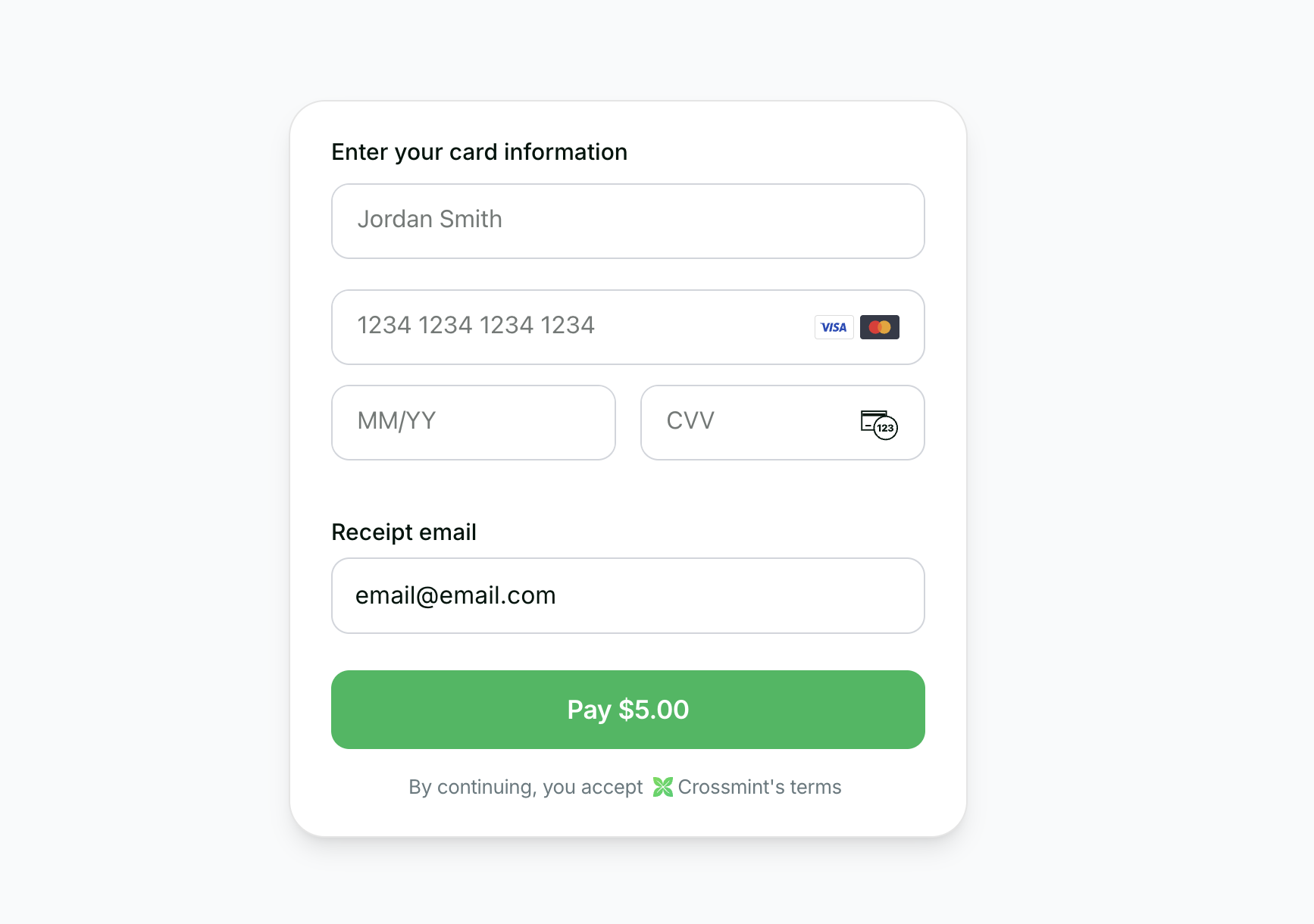
* Use the embedded checkout component to handle KYC, payment, and delivery
 View the open source Swift Checkout SDK repository.
## Requirements
* **iOS 14.0+**
* **SwiftUI** framework
* Xcode 13.0 or later
## 1. Installation
Install the Crossmint Swift SDK using Swift Package Manager.
In Xcode, go to **File > Add Package Dependencies** and add:
```
https://github.com/Crossmint/crossmint-checkout-swift
```
Select the `CrossmintCheckout` product for your target.
Create a [server-side API key](https://docs.crossmint.com/introduction/platform/api-keys/server-side) with the
`orders.create` and `orders.read` scopes enabled. In staging, all scopes are included in your API key.
## 2. Create Order
If you want to enable onramp orders to external wallets (EOAs or third-party smart wallets) instead of Crossmint wallets, see the [Onramp to External Wallets](/onramp/guides/onramp-to-external-wallets) guide before proceeding.
Use the [Create Order API](/api-reference/headless/create-order) to initiate the purchase process from your backend.
## 3. Use Component
Once you have the order response with `orderId` and `clientSecret`, use Crossmint's embedded checkout component in your SwiftUI view.
The component supports **native Apple Pay** for a seamless iOS payment experience.
```swift theme={null}
import SwiftUI
import CrossmintCheckout
struct ContentView: View {
var body: some View {
CrossmintEmbeddedCheckout(
orderId: ,
clientSecret: ,
payment: CheckoutPayment(
crypto: CheckoutCryptoPayment(enabled: false),
fiat: CheckoutFiatPayment(
enabled: true,
allowedMethods: CheckoutAllowedMethods(
googlePay: false,
applePay: true, // Native Apple Pay support
card: true
)
)
),
appearance: CheckoutAppearance(
rules: CheckoutAppearanceRules(
destinationInput: CheckoutDestinationInputRule(display: "hidden"),
receiptEmailInput: CheckoutReceiptEmailInputRule(display: "hidden")
)
)
)
}
}
```
### Key Features
* **Native Apple Pay**: Smooth integration with iOS payment system
* **SwiftUI Components**: Modern declarative UI framework
* **Automatic KYC**: Handles verification flow automatically
* **Customizable Appearance**: Control visibility of UI elements
## 4. Track Order
## 5. Transaction Completion
## 6. Next Steps
* View the Swift Checkout SDK source code on GitHub
View the open source Swift Checkout SDK repository.
## Requirements
* **iOS 14.0+**
* **SwiftUI** framework
* Xcode 13.0 or later
## 1. Installation
Install the Crossmint Swift SDK using Swift Package Manager.
In Xcode, go to **File > Add Package Dependencies** and add:
```
https://github.com/Crossmint/crossmint-checkout-swift
```
Select the `CrossmintCheckout` product for your target.
Create a [server-side API key](https://docs.crossmint.com/introduction/platform/api-keys/server-side) with the
`orders.create` and `orders.read` scopes enabled. In staging, all scopes are included in your API key.
## 2. Create Order
If you want to enable onramp orders to external wallets (EOAs or third-party smart wallets) instead of Crossmint wallets, see the [Onramp to External Wallets](/onramp/guides/onramp-to-external-wallets) guide before proceeding.
Use the [Create Order API](/api-reference/headless/create-order) to initiate the purchase process from your backend.
## 3. Use Component
Once you have the order response with `orderId` and `clientSecret`, use Crossmint's embedded checkout component in your SwiftUI view.
The component supports **native Apple Pay** for a seamless iOS payment experience.
```swift theme={null}
import SwiftUI
import CrossmintCheckout
struct ContentView: View {
var body: some View {
CrossmintEmbeddedCheckout(
orderId: ,
clientSecret: ,
payment: CheckoutPayment(
crypto: CheckoutCryptoPayment(enabled: false),
fiat: CheckoutFiatPayment(
enabled: true,
allowedMethods: CheckoutAllowedMethods(
googlePay: false,
applePay: true, // Native Apple Pay support
card: true
)
)
),
appearance: CheckoutAppearance(
rules: CheckoutAppearanceRules(
destinationInput: CheckoutDestinationInputRule(display: "hidden"),
receiptEmailInput: CheckoutReceiptEmailInputRule(display: "hidden")
)
)
)
}
}
```
### Key Features
* **Native Apple Pay**: Smooth integration with iOS payment system
* **SwiftUI Components**: Modern declarative UI framework
* **Automatic KYC**: Handles verification flow automatically
* **Customizable Appearance**: Control visibility of UI elements
## 4. Track Order
## 5. Transaction Completion
## 6. Next Steps
* View the Swift Checkout SDK source code on GitHub