> ## Documentation Index
> Fetch the complete documentation index at: https://docs.crossmint.com/llms.txt
> Use this file to discover all available pages before exploring further.

# Overview

> Create fully custom checkout experiences

For general information about Crossmint's Payments product, see the [introduction](/payments/introduction). This guide will focus on the features specific to the headless checkout.

## When is the Headless Checkout the best fit?

* **You want to build the entire user experience**
* **You want to use Crossmint checkout outside of a browser environment** (e.g. native mobile app, game, VR headset, etc.)
* **You are okay spending more time developing your own UX**

## Introduction

Crossmint's headless checkout API is a set of REST APIs that allow you to integrate credit card and cross-chain crypto payments inside your app with full control of the user experience.

It is the most customizable version of the Crossmint suite of payments products, which allows anyone to buy digital assets with familiar payment methods (credit card, crypto on any chain independent on where the asset lives) with the same backend, but allowing full UI customizability and deep integration with your app's UX.

<Tabs>
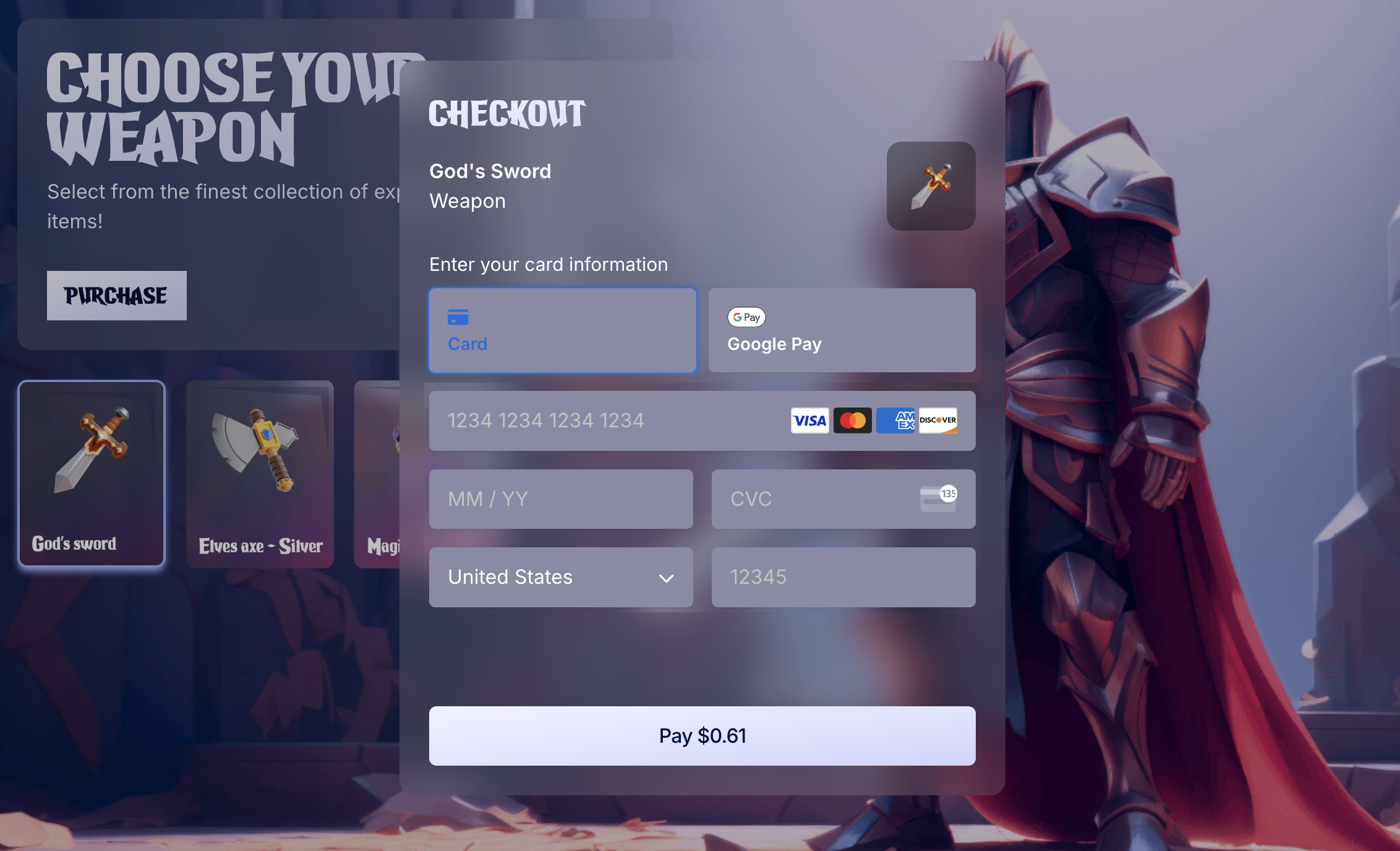
  <Tab title="In-app purchases">
    <Frame type="simple">
      <img src="https://mintcdn.com/crossmint/ZW9iqt6NGtSVc_iV/images/memecoin-checkout/headless-example1.png?fit=max&auto=format&n=ZW9iqt6NGtSVc_iV&q=85&s=0ac5e5d87fa276753d935f52ba967c1b" alt="In-app purchases example" width="2264" height="1376" data-path="images/memecoin-checkout/headless-example1.png" />
    </Frame>
  </Tab>

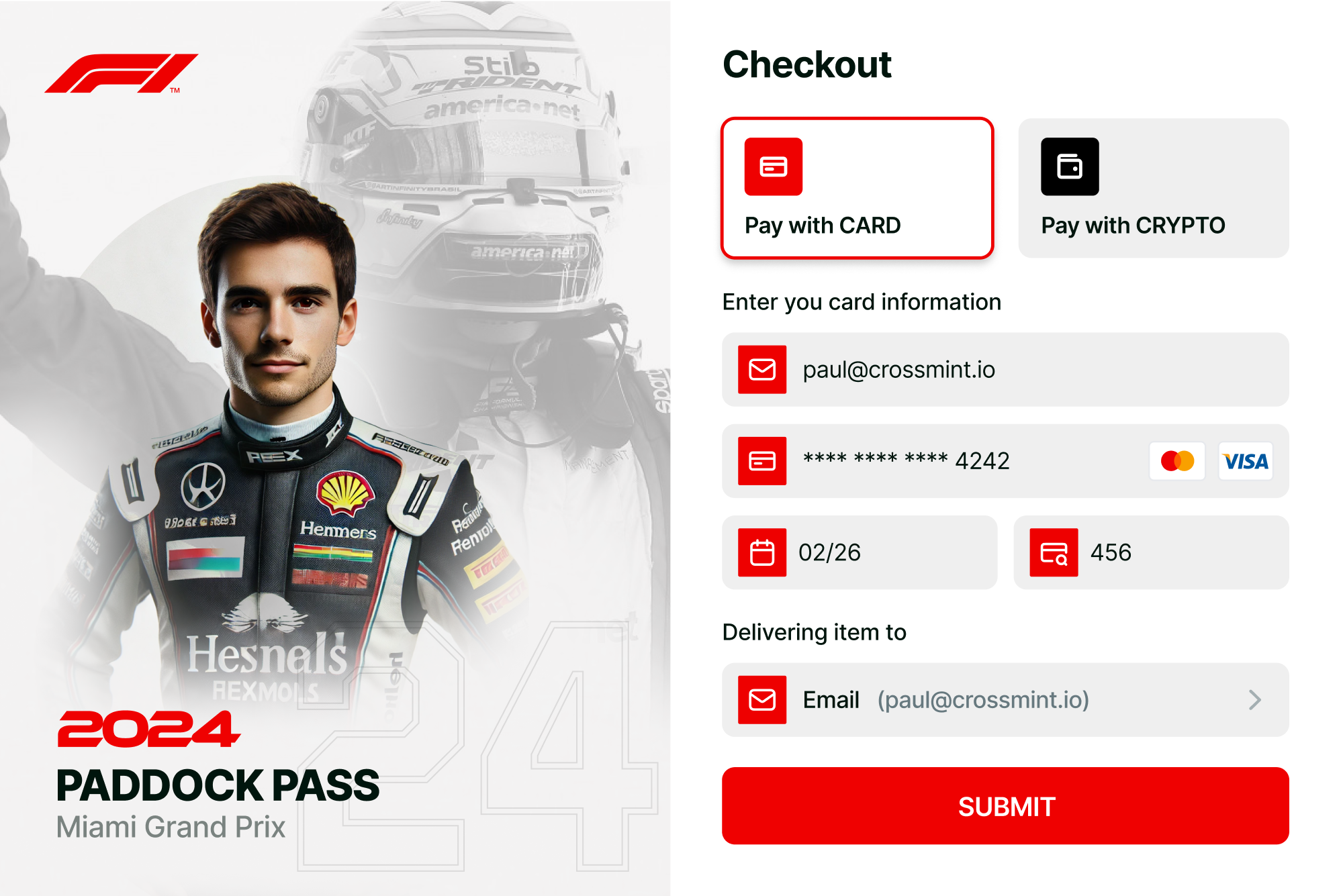
  <Tab title="Ticketing solutions">
    <Frame type="simple">
      <img src="https://mintcdn.com/crossmint/ZW9iqt6NGtSVc_iV/images/memecoin-checkout/headless-example2.png?fit=max&auto=format&n=ZW9iqt6NGtSVc_iV&q=85&s=bb9dabccceb873e676154c9ddf6dd62a" alt="Ticketing solutions example" width="1997" height="1335" data-path="images/memecoin-checkout/headless-example2.png" />
    </Frame>
  </Tab>

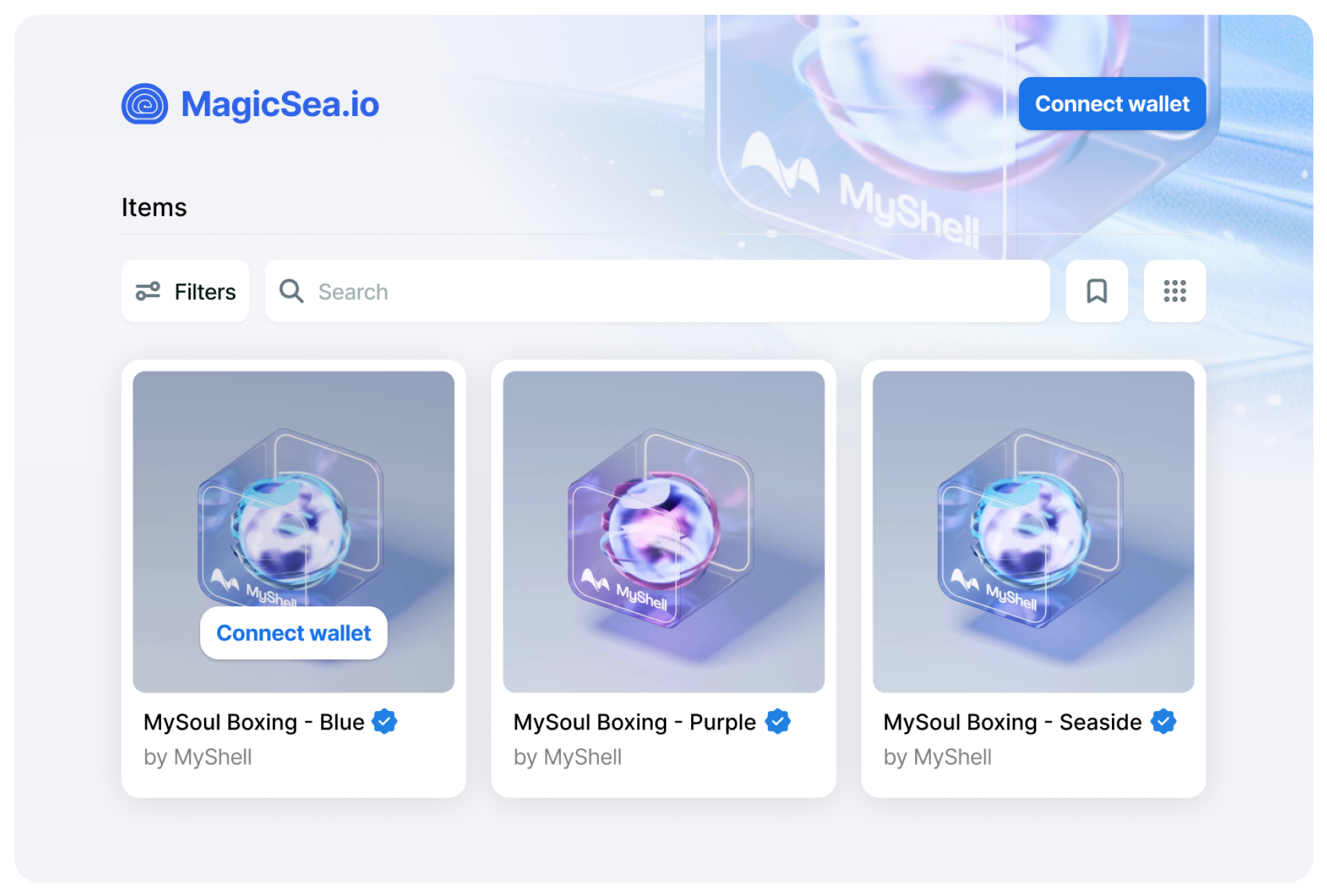
  <Tab title="Custom web3app UIs">
    <Frame type="simple">
      <img src="https://mintcdn.com/crossmint/ZW9iqt6NGtSVc_iV/images/memecoin-checkout/headless-example3.png?fit=max&auto=format&n=ZW9iqt6NGtSVc_iV&q=85&s=b9e90c28e1fcc41a814e250ac0ab078d" alt="Custom web3app UI example" width="1943" height="1312" data-path="images/memecoin-checkout/headless-example3.png" />
    </Frame>
  </Tab>

  <Tab title="and many more...">
    <div className="text-center py-8">Wherever your imagination takes you...</div>
  </Tab>
</Tabs>

## Get Started

<CardGroup cols={2}>
  <Card title="Pay with Crypto Quickstart" icon="hive" color="#E6DB63" href="/payments/headless/quickstarts/crypto">
    Build a custom Pay with Crypto checkout experience for your digital assets
  </Card>

  <Card title="Pay with Card - NFT - Quickstart" icon="bolt" color="#E6DB63" href="/payments/headless/quickstarts/credit-card-nft">
    Build a custom credit-card checkout experience
  </Card>

  <Card title="Pay with USDC Quickstart" icon="circle-dollar" color="#E6DB63" href="/payments/headless/quickstarts/paying-usdc">
    Build a USDC checkout in 5 minutes (great for AI agents)
  </Card>

  <Card title="Pay for Card - Memecoins - Quickstart" icon="coin-front" color="#E6DB63" href="/payments/headless/quickstarts/credit-card-memecoin-cko">
    Sell memecoins quickly with a credit card checkout
  </Card>
</CardGroup>

<Card title="Talk to an expert" icon="message" iconType="duotone" color="#ADD8E6" href="https://www.crossmint.com/contact/sales">
  Contact our sales team for advanced support.
</Card>

## Advanced Topics

<CardGroup cols={4}>
  <Card title="Marketplaces & Launchpads" icon="cart-shopping" iconType="duotone" color="FF2981" href="/payments/advanced/marketplaces-and-launchpads" />

  <Card title="Headless Status Codes" icon="temperature-empty" iconType="duotone" color="77DFE2" href="/payments/headless/guides/status-codes" />

  <Card title="Bring your own Collection" icon="file-import" iconType="duotone" color="BB87FC" href="/payments/guides/register-collection" />

  <Card title="Webhooks" icon="bars-progress" iconType="duotone" color="EEA424" href="/payments/advanced/webhooks" />
</CardGroup>