> ## Documentation Index
> Fetch the complete documentation index at: https://docs.crossmint.com/llms.txt
> Use this file to discover all available pages before exploring further.
# Overview
> Add a button to your site which opens the checkout in a pop-up or new tab
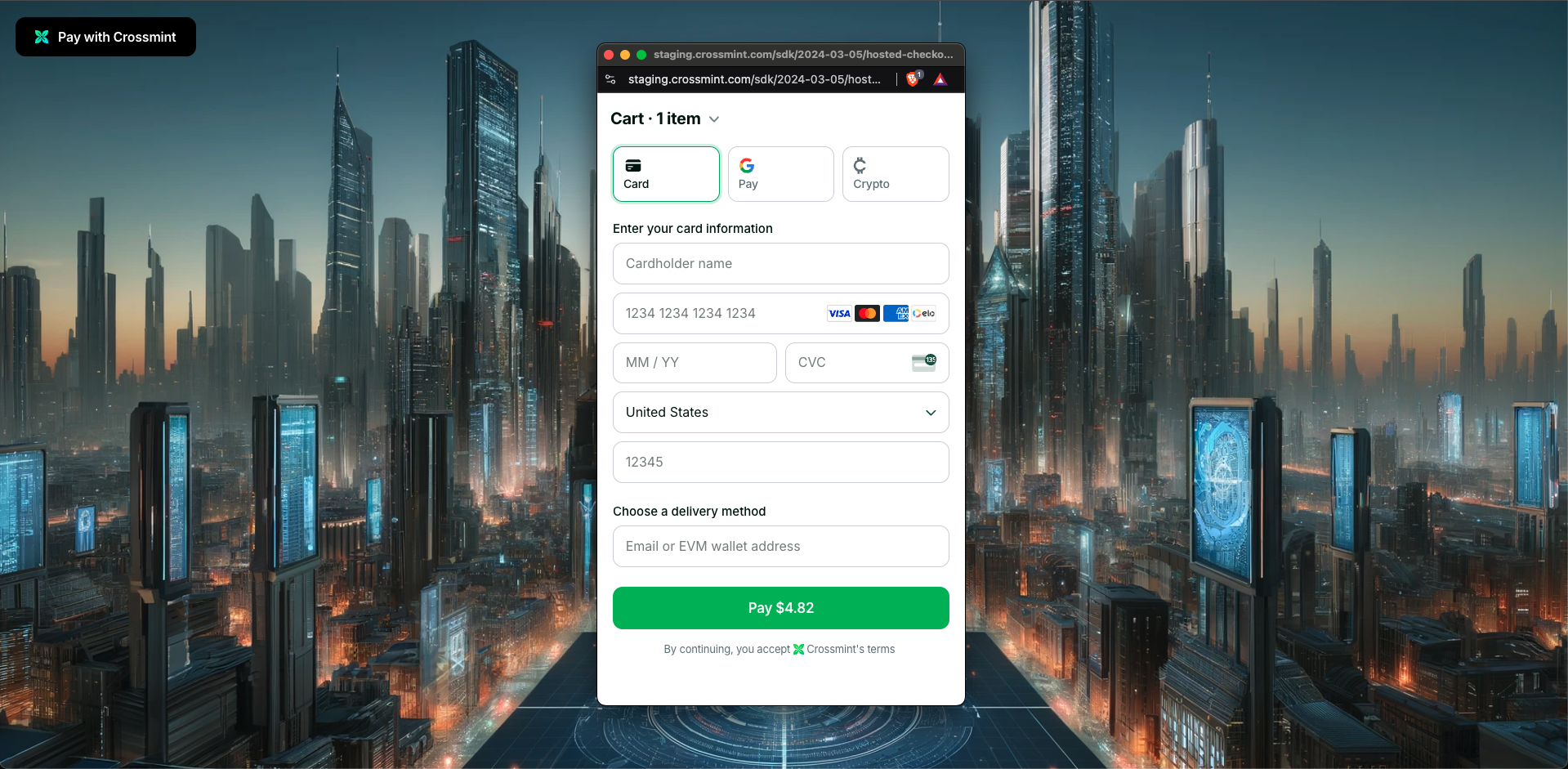 The hosted variant of checkout is only available for React applications. If you're using a different framework like
Vite or React Native, you can use the [Headless version](/payments/headless/overview) instead.
For general information about Crossmint's Payments product, see the [introduction](/payments/introduction). This guide
will focus on the features specific to the Hosted modality.
## When is Hosted Checkout the best fit?
* **You want to launch quickly and don't need deep customization or a fully native user experience**.
## Get Started
Start selling digital assets in 5 minutes.
Contact our sales team for advanced support.
## Advanced Topics
The hosted variant of checkout is only available for React applications. If you're using a different framework like
Vite or React Native, you can use the [Headless version](/payments/headless/overview) instead.
For general information about Crossmint's Payments product, see the [introduction](/payments/introduction). This guide
will focus on the features specific to the Hosted modality.
## When is Hosted Checkout the best fit?
* **You want to launch quickly and don't need deep customization or a fully native user experience**.
## Get Started
Start selling digital assets in 5 minutes.
Contact our sales team for advanced support.
## Advanced Topics